FileCloud File Access
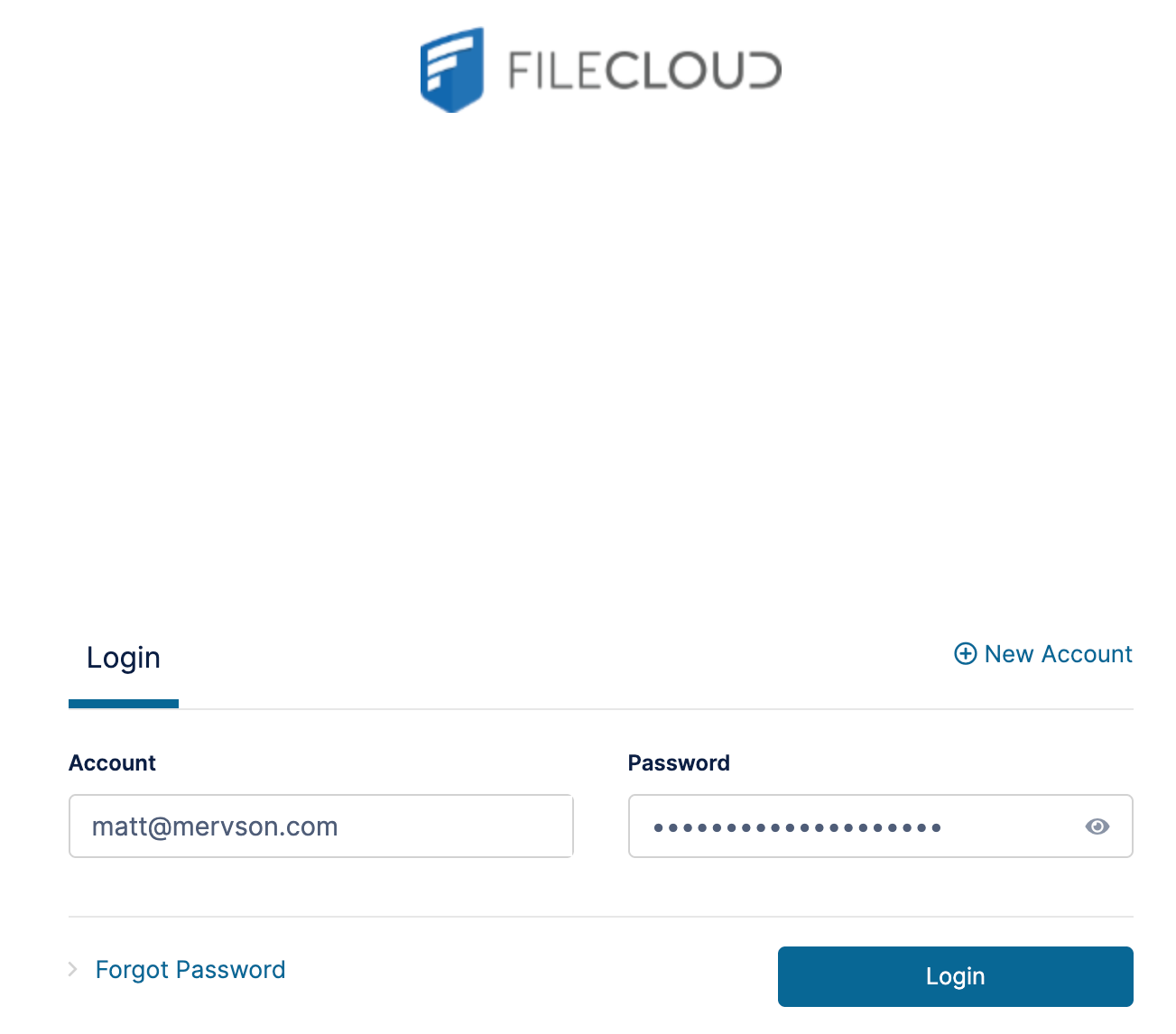
Step 1: Sign In to FileCloud
cia.filecloudonline.com
- Enter your email address as your username.
- Select Login.
You will be signed in to your FileCloud account.

Step 2: Access Documents Shared With You
To view Board materials:
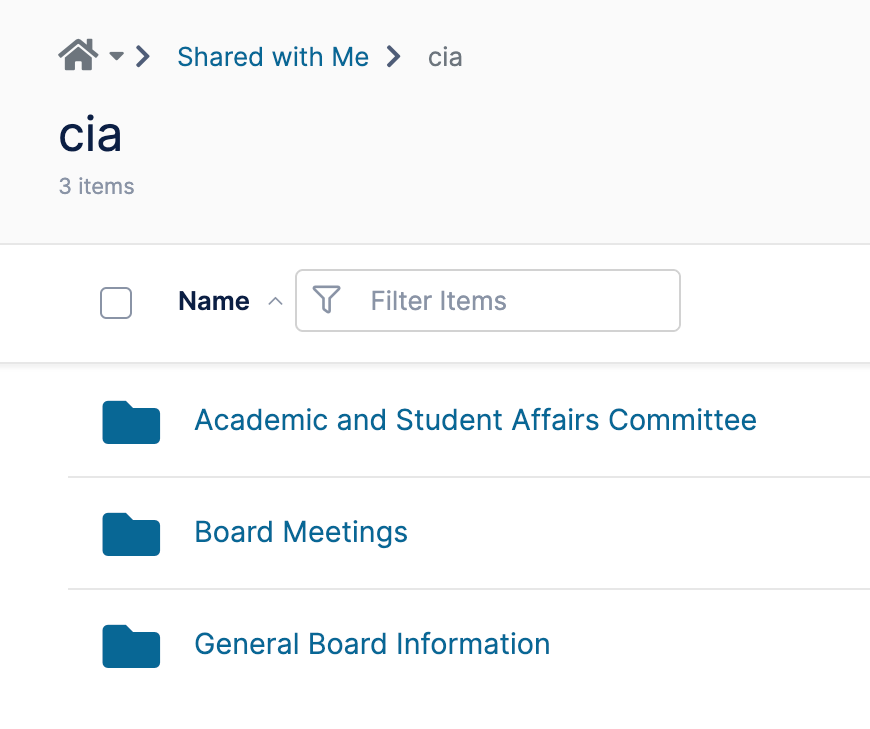
- Select Shared With Me.
- Review the folders available to you.
- Open the folder you would like to access.
The folders you see will depend on your Board membership and committee assignments. The walkthrough demonstrates access to Board folders and committee-specific folders.
Step 3: Open Board and Committee Materials
You may see folders such as:
- Board Meetings
- General Board Information
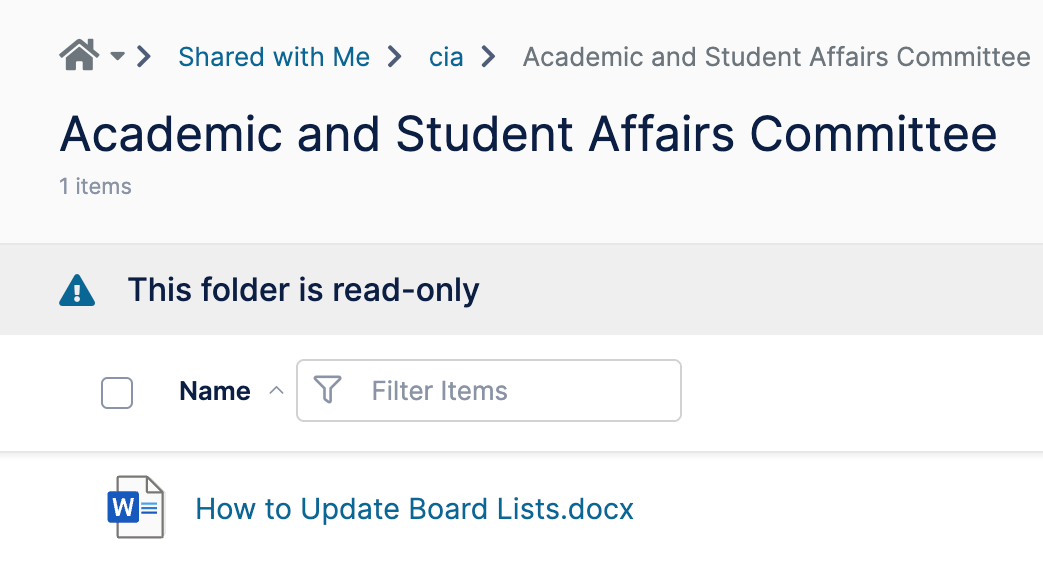
- Committee folders assigned to you
Select a folder to view available files and documents. Access is limited to the materials that have been shared with your account.
When new files or folders are shared with you, FileCloud will send an email notification.
These emails contain links that take you directly to the shared content. If you are not already signed in, you will be prompted to log in before accessing the file or folder.